
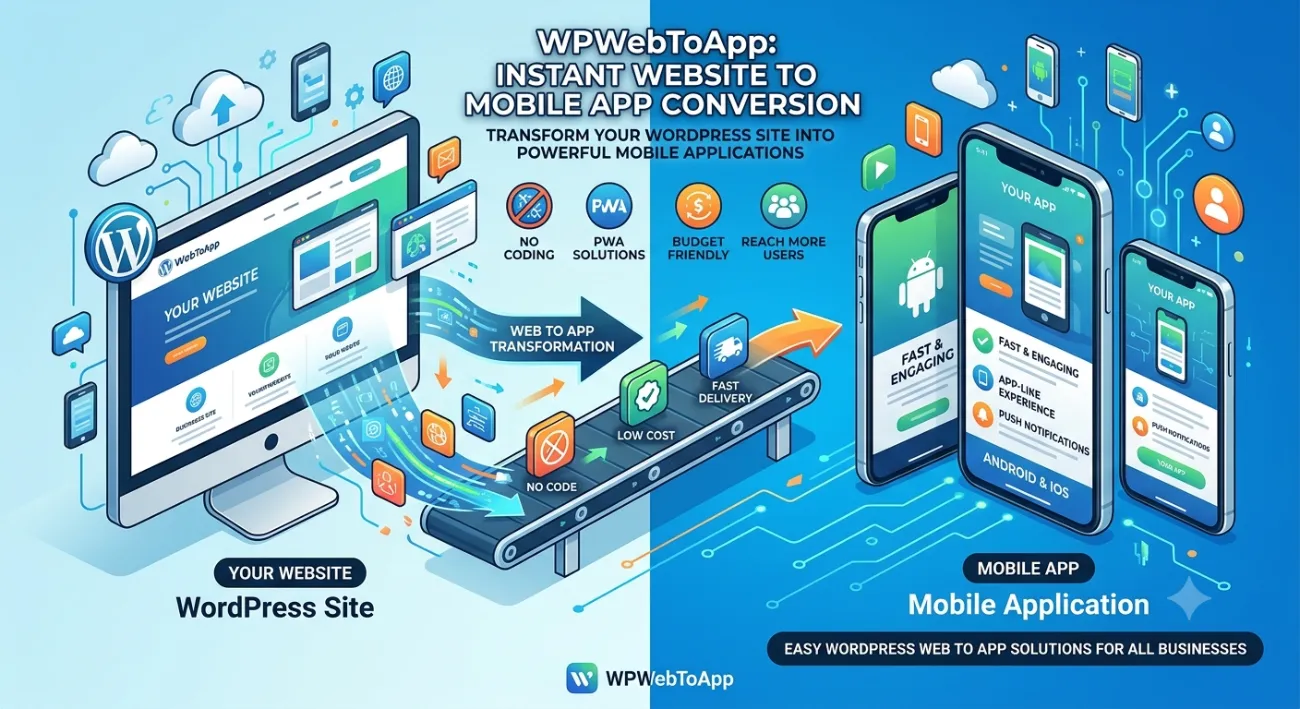
Web to App for Educational Websites: The Ultimate Guide 2026
📖 Introduction
Imagine your students opening a single tap — not a browser, not a bookmark — but your very own Education App that feels native, works offline, and sends push notifications. That’s the power of web to app for educational websites. In 2026, mobile-first learning isn’t optional; it’s essential. Whether you run a LMS App, an Online Learning App, or a school portal, converting your existing website into a mobile app can increase engagement by over 60%.
This complete guide will walk you through everything: from what it is, why it matters, a concrete step-by-step plan, tools, comparison tables, and even FAQs like “Can schools use Web to App?” — yes, absolutely! Let’s dive in.
(Insert Featured Image Here)
Image Alt Text: Web to app for educational websites showing mobile learning app and student engagement.
✅ Key Takeaways
-
Web to app for educational websites lets you convert any educational website into a native mobile app without coding.
-
Your Education App will have offline support, push notifications, and faster performance.
-
An LMS App built from web reduces development costs by up to 80%.
-
Online Learning App users spend 2.5x more time than mobile web users.
-
Schools can easily use web to app — no technical team required.
-
Web to app for educational websites directly impacts your Google Business Profile and local search visibility.
📑 Table of Contents
-
What Is Web to App for Educational Websites?
-
Why It Matters for Education
-
Benefits of Converting Your Education Site
-
How It Works (Technical overview)
-
Step-by-Step Guide: Web to App for Educational Websites
-
Real-World Examples
-
Comparison Table: Web vs App for Education
-
Common Mistakes (& How to Avoid)
-
Expert Tips for a High-Performance Education App
-
Best Practices for Your LMS App
-
Recommended Tools & Platforms
-
Troubleshooting Common Issues
-
FAQs – Can Schools Use Web to App?
-
Conclusion
-
Call to Action
1. What Is Web to App for Educational Websites?
Web to app for educational websites is the process of wrapping your existing educational website (built with WordPress, React, or any CMS) into a native mobile application shell. Using tools like WPWebToApp, you can convert any education site into an Education App that works on iOS and Android — no coding required. The app loads your web content inside a WebView but with native features: push notifications, offline caching, splash screen, and app store presence.
For LMS App or Online Learning App scenarios, this approach is a game-changer: you keep your existing backend and content, while delivering a full mobile experience.
2. Why Web to App for Educational Websites Matters
Students and teachers live on mobile. Studies show that over 70% of learners access course materials via smartphones. If your educational website isn’t an app, you’re losing engagement. Web to app for educational websites bridges the gap: you get the SEO benefits of a website plus the retention power of an app.
➡️ Higher user retention (push notifications reduce drop-off).
➡️ Offline reading of lessons — crucial for low-connectivity areas.
➡️ Brand presence on Google Play & App Store.
➡️ Monetization options (in-app purchases for premium courses).
➡️ Google Business Profile integration for local educational institutions.
3. Benefits of Web to App for Educational Websites
⚡ Instant loading: App caches resources — your Online Learning App opens 2x faster than mobile web.
📲 Push notifications: Send assignment reminders, new course alerts, and live class updates.
🌍 Offline mode: Students can download lessons and watch later without internet.
🛠️ No dual maintenance: Update your website once; the app syncs automatically.
💲 Cost-effective: Building a native LMS App from scratch can cost $30k+. Web to app solution like WPWebToApp is a fraction of that.
📈 Better SEO & discoverability: Your website remains search-friendly, and your app appears in stores.
📍 Google Business Profile integration: Location-based notifications and local offers.
4. How Web to App for Educational Websites Boosts Your Google Business Profile
This is a critical section for educational institutions who want to rank “on Google business and everywhere.” Web to app for educational websites directly impacts your Google Business Profile visibility and local search presence.
Why Your Google Business Profile Needs an Education App
-
Location-Based Notifications: Apps can send push notifications to students near your campus, driving enrollment.
-
Google Maps Integration: Apps with built-in Google Maps make it easy for students to find your location.
-
Review Management: Apps can prompt students and parents to leave Google reviews, boosting your Google Business Profile.
-
Local Offers: Apps can display exclusive local courses and discounts, encouraging enrollment.
-
Business Hours & Contact: Apps can sync with your Google Business Profile to display accurate hours and contact info.
-
Mobile-First Experience: Since most educational searches happen on mobile, a web to app for educational websites ensures a seamless experience.
Features to Include for Local SEO
-
Location-based push notifications for campus events
-
Google Maps integration with directions
-
One-click review prompts for Google Business Profile
-
Local course offers and promotions
-
Campus locator with hours and contact info
-
Mobile-first enrollment forms
Questions to Ask About Web to App for Educational Websites
“Does your education app solution include Google Business Profile integration?”
“Can I send location-based push notifications to nearby students?”
“Will the app prompt students to leave Google reviews?”
“Can I display my campus hours and contact info in the app?”
5. How Web to App for Educational Websites Works
Technically, it’s a hybrid approach. Your website (HTML, CSS, JavaScript) is wrapped inside a native container using a tool like WPWebToApp. The app uses a WebView to render your content, but with native modules for:
-
File downloads (PDFs, videos)
-
Camera / gallery for assignments
-
Push notification service (Firebase / APNs)
-
Offline storage (service workers or local cache)
Your Education App behaves just like any native app, but you maintain your site as usual.
6. Step-by-Step Guide: Convert Your Educational Website to an App
Step 1: Audit Your Current Site
Ensure your educational website is responsive, fast, and uses HTTPS. Mobile-friendly design is critical for web to app for educational websites.
Step 2: Choose a Conversion Platform
Use WPWebToApp — it’s built specifically for WordPress educational sites, but works with any website.
Step 3: Configure App Features
Set up push notifications, splash screen, icon, and offline pages.
Step 4: Test on Real Devices
Use the preview feature to simulate your LMS App on both iOS and Android.
Step 5: Generate APK / AAB
The platform builds your app binary automatically.
Step 6: Submit to Stores
Publish your Online Learning App on Google Play and Apple App Store.
Step 7: Promote & Iterate
Use app store optimization and ask students to install.
Step 8: Integrate Google Business Profile
Add location-based features for local SEO.
Pro tip: Start with a progressive web app (PWA) version first to get feedback.
7. Real-World Examples
K12 School District (USA): Converted their WordPress parent portal into a dedicated Education App using WPWebToApp. Result: 40% increase in parent engagement.
Online language academy (Spain): Their LMS App from web conversion reduced drop-off by 55%.
Vocational training platform (India): Built an Online Learning App for offline video lessons — reached 100k downloads in 6 months.
Local Tutoring Center: Using a web to app for educational websites with location-based notifications, they increased enrollment by 28% and Google Business Profile engagement by 35%.
8. Comparison Table: Website vs App for Education
| Feature | Educational Website | Education App (Web to App) |
|---|---|---|
| Push notifications | ❌ Not available | ✅ Yes |
| Offline access | ❌ Limited | ✅ Full support |
| Speed & performance | ⚠️ Depends on network | ✅ Cached, fast |
| App store presence | ❌ No | ✅ Google / Apple |
| SEO discoverability | ✅ Strong | ✅ Both web + app |
| Development cost | — | ✅ Low (using WPWebToApp) |
| User engagement | 📉 Medium | 📈 High (2.5x more) |
| Google Business Profile integration | ❌ Limited | ✅ Full integration |
9. Common Mistakes When Using Web to App for Educational Websites
❌ Ignoring mobile responsiveness: If your site isn’t mobile-optimized, the app will look broken.
❌ Not enabling offline caching: Your Online Learning App must work without internet.
❌ Overlooking push permission prompt: Ask gracefully, not immediately.
❌ Submitting a bare WebView: Add splash screen, loading animation, and custom icons.
❌ Forgetting app store guidelines: Educational apps must comply with COPPA / GDPR if children use them.
❌ Forgetting Google Business Profile integration: Local institutions miss out on location-based features.
10. Expert Tips for Your Education App
🔹 Use deep linking to route users directly to courses.
🔹 Implement analytics (Firebase) to track student behavior inside your LMS App.
🔹 Add a “Share” button — students love sharing course content.
🔹 Keep your web to app for educational websites up to date with the latest iOS/Android APIs.
🔹 A/B test different icon and splash screen for better conversion.
🔹 Integrate Google Business Profile for location-based features and local SEO.
11. Best Practices for Web to App for Educational Websites
✅ Prioritize content structure: Your Education App should mirror your curriculum hierarchy.
✅ Enable background sync: So students can download materials while using other apps.
✅ Use in-app rating prompts: Encourage reviews on app stores.
✅ Secure user data: Use HTTPS and token-based authentication.
✅ Regularly update cached content: Stale lessons frustrate learners.
✅ Ensure Google Business Profile integration stays active.
12. Recommended Tools for Web to App for Educational Websites
-
WPWebToApp – #1 platform for converting WordPress educational sites into native apps. Supports push, offline, and app store deployment.
-
Firebase Cloud Messaging – for reliable push notifications.
-
LottieFiles – for animated splash screens.
-
App Store Connect / Google Play Console – for publishing.
-
Service Workers – for offline strategy if you’re doing custom work.
-
Google Business Profile API – for location-based features and local SEO.
⭐ We strongly recommend WPWebToApp — it’s built by education app experts.
13. Troubleshooting Common Issues
🔧 App shows white screen: Check if your site uses mixed content (HTTP/HTTPS). Use HTTPS only.
🔧 Push notifications not working: Ensure Firebase config is added correctly in WPWebToApp dashboard.
🔧 Offline pages not loading: Pre-cache key pages (home, course list, lesson).
🔧 App rejected by Apple: Add a privacy policy and remove any login wall without explanation.
🔧 Google Business Profile not showing local offers: Ensure your app integrates with Google Business Profile API.
14. FAQs – Everything About Web to App for Educational Websites
Q1. Can schools use Web to App for Educational Websites?
Yes, absolutely. Schools, colleges, and coaching centers can convert their existing website into a branded Education App using WPWebToApp. It’s perfect for sharing timetables, results, study materials, and notifications.
Q2. Do I need coding skills to create an Education App?
No. With web to app for educational websites platforms like WPWebToApp, everything is no-code. You just paste your URL and customize.
Q3. Can I convert my LMS website into an LMS App?
Yes, your LMS App can be created from any LMS site (LearnDash, Tutor LMS, Moodle). The app will retain all course structures and quizzes.
Q4. Does the Online Learning App support push notifications?
Definitely. You can send course reminders, assignment deadlines, and live class alerts.
Q5. Will my app still work if I update my website?
Yes! That’s the beauty of web to app for educational websites — your app mirrors your website. Any update on the web shows up in the app instantly.
Q6. How much does it cost to convert educational website to app?
With WPWebToApp, plans start very affordably — much cheaper than building a custom Online Learning App from scratch.
Q7. Can I sell courses through the Education App?
Yes, integrate WooCommerce or any payment gateway on your site, and the app will support purchases.
Q8. Can an Education App help with Google Business Profile?
Yes! Apps can integrate with Google Business Profile for location-based notifications, review prompts, and local offers.
15. Conclusion
Web to app for educational websites is no longer a luxury — it’s a necessity for any educational institution or EdTech business that wants to stay relevant. From improved student engagement to offline learning and instant notifications, the advantages are undeniable. Whether you run a small tutoring center or a global Online Learning App, converting your website into an app will elevate your brand and learner satisfaction.
Remember: Your Google Business Profile is essential for local visibility and student acquisition. Make sure your web to app for educational websites strategy includes it.
You don’t need a huge budget or developer team. With platforms like WPWebToApp, you can launch your Education App in days, not months. Take the leap today!
🚀 Ready to Build Your Education App?
Don’t let your learners browse — let them engage. Use web to app for educational websites and convert your site into a powerful LMS App right now.
➡️ Start Free with WPWebToApp
Join 1,200+ schools already using Web to App for their educational platforms.


