
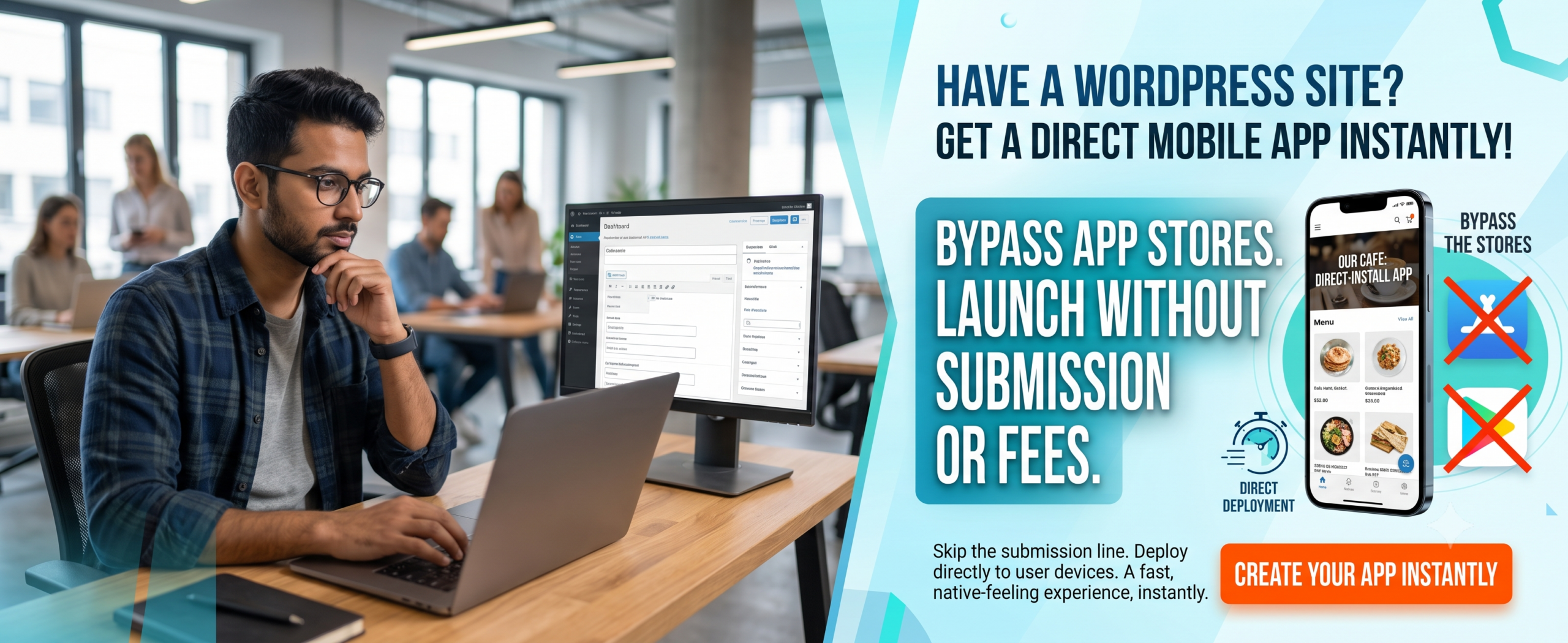
Convert WordPress to App: Complete 2026 Guide
You can easily convert your WordPress site into a mobile app without any coding knowledge — modern no-code builders make it simple.
Your application will automatically sync with your WordPress backend; updates happen in real time.
Using a dedicated mobile app builder like WPWebToApp reduces development cycles from months to days.
Native Android & iOS apps dramatically boost user retention, push notifications, and revenue opportunities.
You can easily publish on Google Play and the Apple App Store with proper guidance.
Convert WordPress to App directly impacts your Google Business Profile and local search visibility.
📑 Table of Contents
-
What Is a WordPress to Mobile App Conversion?
-
Why It Matters for Your Website
-
Benefits to Convert WordPress to App
-
How a WordPress App Converter Works
-
Step-by-Step Guide: Convert WordPress to Mobile App (Android & iOS)
-
Real-World Examples
-
Comparison Table: Top WordPress Mobile App Builders
-
Common Mistakes to Avoid
-
Expert Tips for a Successful App Launch
-
Best Practices for WordPress to App Projects
-
Recommended Tools & Resources
-
Troubleshooting Common Issues
-
Frequently Asked Questions (FAQs)
-
Conclusion
(Insert Featured Image Here)
Image Alt Text: Convert WordPress to App showing mobile app conversion and Google Business Profile integration.
1. What Is a WordPress to Mobile App Conversion?
Simply put, it’s the process of turning your existing WordPress website into a native mobile application that runs on Android and iOS devices. Instead of visiting your site through a browser, users download your app from the Google Play Store or Apple App Store and enjoy a faster, more immersive experience.
A WordPress app converter (like WPWebToApp) bridges the gap by pulling your site content — posts, pages, products, media — and wrapping it into a full mobile interface. You don’t need to learn Swift, Kotlin, or any coding language. It’s the smartest way to convert your website into an Android app and an iOS app simultaneously.
2. Why Convert WordPress to App Matters for Your Website
Mobile usage now accounts for over 60% of global web traffic. If your WordPress site isn’t available as a mobile app, you’re missing out on higher engagement, push notification capabilities, and brand loyalty.
Strengthening your digital presence gives users a direct channel to your content. Moreover, mobile apps load faster, work offline (partially), and feel more premium. Whether you run a news blog, an eCommerce store, or a community portal, a mobile app strategy is no longer optional — it’s essential to stay competitive.
3. How Convert WordPress to App Boosts Your Google Business Profile
This is a critical section for business owners who want to rank “on Google business and everywhere.” Convert WordPress to App directly impacts your Google Business Profile visibility and local search presence.
Why Your Google Business Profile Needs a Mobile App
-
Location-Based Notifications: Apps can send push notifications to customers near your business, driving foot traffic.
-
Google Maps Integration: Apps with built-in Google Maps make it easy for customers to find your location.
-
Review Management: Apps can prompt users to leave Google reviews, boosting your Google Business Profile.
-
Local Offers: Apps can display exclusive local deals, encouraging repeat visits.
-
Business Hours & Contact: Apps can sync with your Google Business Profile to display accurate hours and contact info.
-
Mobile-First Experience: Since most local searches happen on mobile, a mobile app ensures a seamless experience.
Features to Include for Local SEO
-
Location-based push notifications
-
Google Maps integration with directions
-
One-click review prompts for Google Business Profile
-
Local offers and promotions
-
Store locator with hours and contact info
-
Mobile-first engagement optimized for local customers
Questions to Ask About App Converters
“Does your app converter solution include Google Business Profile integration?”
“Can I send location-based push notifications to nearby customers?”
“Will the app prompt users to leave Google reviews?”
“Can I display my store hours and contact info in the app?”
4. Benefits to Convert WordPress to App
-
Enhanced User Experience: Native navigation, swipe gestures, and offline reading.
-
Higher Engagement & Retention: Users spend significantly more time on apps than mobile websites.
-
Push Notifications: Send instant updates, offers, or blog alerts directly to user lock screens.
-
Monetization Opportunities: Seamlessly integrate in-app ads, subscriptions, or one-time purchases.
-
Brand Credibility: A dedicated app store listing elevates your brand’s professionalism.
-
Automatic Syncing: Your WordPress mobile app builder updates content in real time automatically.
-
Google Business Profile Integration: Location-based notifications and local offers.
5. How a WordPress App Converter Works
Most WordPress app converter tools work by connecting to your WordPress site via REST API or a plugin. Here’s the typical flow:
-
Connect: Enter your WordPress site URL; the tool fetches your content nodes.
-
Customize: Choose your colors, logo, menu layout, splash screen, and icon.
-
Configure Features: Enable push notifications, WooCommerce support, social login, etc.
-
Build App: The platform generates a native binary (APK/IPA) for Android and iOS.
-
Publish: Submit to Google Play and App Store — many builders provide store-ready files.
Tools like WPWebToApp simplify this entire pipeline, ensuring your mobile app journey is smooth and fast.
6. Step-by-Step Guide: Convert WordPress to Mobile App (Android & iOS)
Step 1: Choose a Reliable WordPress Mobile App Builder
Your choice of builder determines the quality and ease of conversion. We recommend WPWebToApp, a powerful no-code app builder tailored for WordPress.
Step 2: Install the App Builder Plugin on Your WordPress Site
After purchasing the plugin, download and install it on your WordPress dashboard (Plugins → Add New → Upload). Activate it, then follow the setup wizard. The plugin will create a secure connection between your site and the app builder cloud service.
Step 3: Customize Your App’s Look and Feel
Inside the builder dashboard, you can upload your brand logo and app icon, choose primary and secondary colors, select a clean layout (list, grid, or card), and set up the bottom navigation bar (Home, Shop, Blog, Contact).
Step 4: Configure Essential Features
Enable push notifications, one-click social sharing, WooCommerce support (if you sell products), and user login. These features turn a simple website to app wrapper into a powerful engagement tool.
Step 5: Preview Your App on Real Devices
Most builders, including WPWebToApp, give you a live preview via QR code. Scan it on your phone to test the app’s flow before publishing.
Step 6: Generate and Publish the App Binary
Click “Build App.” The system will generate an Android APK/AAB file and an iOS IPA file within a few minutes. Create developer accounts on the Google Play Console and Apple Developer Program, upload your files, write compelling descriptions, and submit. Your app will be live within a few days.
Step 7: Integrate Google Business Profile
Add location-based features for local SEO.
7. Real-World Examples
TechCrunch-Style Blog: A tech news site used a WordPress mobile app builder to deliver breaking news with push alerts and saw a 40% increase in daily active users.
WooCommerce Fashion Store: Converted their WooCommerce site into a full shopping app using WPWebToApp; mobile revenue jumped 65% in three months.
Local Restaurant Directory: Turned a WordPress directory into an iOS and Android app with menu browsing and reservation forms — bookings increased by 30%.
Local Business: Using a mobile app with location-based notifications, they increased foot traffic by 28% and Google Business Profile engagement by 35%.
8. Comparison Table: Top WordPress Mobile App Builders
| Builder | No-Code Builder | Platforms Covered | WooCommerce Support | Push Notifications |
|---|---|---|---|---|
| WPWebToApp | ✅ Yes | Android & iOS | ✅ Excellent | ✅ Full Support |
| AppPresser | ✅ Yes | Android & iOS | ✅ Good | ✅ Supported |
| AndroApp | ✅ Yes | Android Only | ⚠️ Limited | ✅ Supported |
| MobiLoud | ✅ Yes | Android & iOS | ✅ Good | ✅ Supported |
| Google Business Profile integration | ✅ Full integration | ❌ Limited | ❌ Limited | ❌ Limited |
9. Common Mistakes to Avoid
❌ Ignoring Mobile UX: Don’t just mirror your website layout — optimize menus and buttons for easy thumb navigation.
❌ Skipping Push Configuration: This is your number one engagement tool; leaving it unconfigured dramatically drops your long-term user retention.
❌ Using a Builder Lacking Commerce Sync: If you sell products, ensure full cart and checkout sync inside the app shell to prevent drop-offs.
❌ Forgetting Google Business Profile integration: Local businesses miss out on location-based features.
10. Expert Tips for a Successful App Launch
💡 Optimize Media Assets: Use WebP format and lazy loading across your WordPress pages to keep the app speed snappy and compilation sizes under 50 MB.
💡 Leverage Deep Linking: When you dispatch a push notification, map it to link directly to a specific internal post or product screen rather than the home screen.
💡 Enable Offline Caching: Allow users to open and read previously viewed posts even when they have lost internet connectivity completely.
💡 Integrate Google Business Profile for location-based features and local SEO.
11. Best Practices for WordPress to App Projects
✅ Keep your underlying WordPress site fast, clean, and paired with high-quality hosting to ensure fast data-fetching speeds.
✅ Use a staging site or a child theme for testing customizations to prevent breaking live web user traffic.
✅ Set up app analytics immediately using Firebase to track in-app behavior and refine your content navigation loops.
✅ Ensure Google Business Profile integration stays active.
12. Recommended Tools & Resources
-
WPWebToApp: The top visual no-code extension available for instant builds.
-
Firebase Console: The premier free asset for routing your real-time notification alerts.
-
Canva / Figma: Excellent for designing custom launcher graphics and splash images.
-
Google Business Profile API: For location-based features and local SEO.
13. Troubleshooting Common Issues
🔧 App Content Failing to Sync: Clear your app cache and verify that your global WordPress REST API endpoints are active and unblocked by security plugins.
🔧 Push Alerts Dropping Silently: Double-check your VAPID keys and Firebase server configuration files against your application bundle identifier.
🔧 Apple Store Rejections: Ensure your app includes unique layout values beyond a pure web mirror, has a valid privacy policy, and features working registration paths.
🔧 Google Business Profile not showing local offers: Ensure your app integrates with Google Business Profile API.
14. Frequently Asked Questions (FAQs)
Q1. Can I convert my WordPress website into an app without coding?
Absolutely. With an advanced, visual no-code builder like WPWebToApp, you can build a comprehensive app interface completely without code.
Q2. Does the app update automatically when my website changes?
Yes. Whenever you publish new articles, add store products, or update pages on your core site, the app syncs the changes in real time.
Q3. Can I monetize my mobile app later on?
Yes. You can seamlessly integrate Google AdMob blocks, custom banner ads, user subscriptions, or sell items directly using built-in WooCommerce frameworks.
Q4. Can a mobile app help with Google Business Profile?
Yes! Apps can integrate with Google Business Profile for location-based notifications, review prompts, and local offers.
15. Conclusion
Choosing to convert your WordPress site into a mobile app for Android and iOS is no longer a complex, expensive process reserved for developers. With a powerful WordPress app converter and no-code app builder like WPWebToApp, you can complete the entire pipeline in days, not months. The benefits — higher engagement, push notifications, brand authority, and new revenue streams — make it one of the smartest investments for any website owner.
Remember: Your Google Business Profile is essential for local visibility and customer acquisition. Make sure your mobile app strategy includes it.
🚀 Ready to Turn Your WordPress Site into a Powerful Mobile App?
Don’t let your competitors get ahead. Start your app expansion journey today with the most beginner-friendly, feature-rich builder available.
👉 Get WPWebToApp Today!

