
Web to App vs Native Mobile Apps: Which is Better? Complete 2026 Guide
✨ Key Takeaways
-
Web to App (hybrid/PWA approach) is faster, cheaper, and easier to maintain — ideal for content-driven businesses.
-
Native App offers deeper device integration, offline-first capability, and premium performance for complex apps.
-
Your choice depends on budget, technical needs, user behaviour, and long-term strategy.
-
Tools like WPWebToApp let you convert WordPress sites into real Android & iOS apps without coding.
-
Web to App vs Native Mobile Apps decision directly impacts your Google Business Profile and local search visibility.
📑 Table of Contents
-
Introduction
-
What Is Web to App & Native App?
-
Why It Matters
-
Benefits
-
How It Works
-
Step-by-Step Guide
-
Examples
-
Comparison Table
-
Common Mistakes
-
Expert Tips
-
Best Practices
-
Recommended Tools
-
Troubleshooting
-
FAQs
-
Conclusion
-
Call to Action
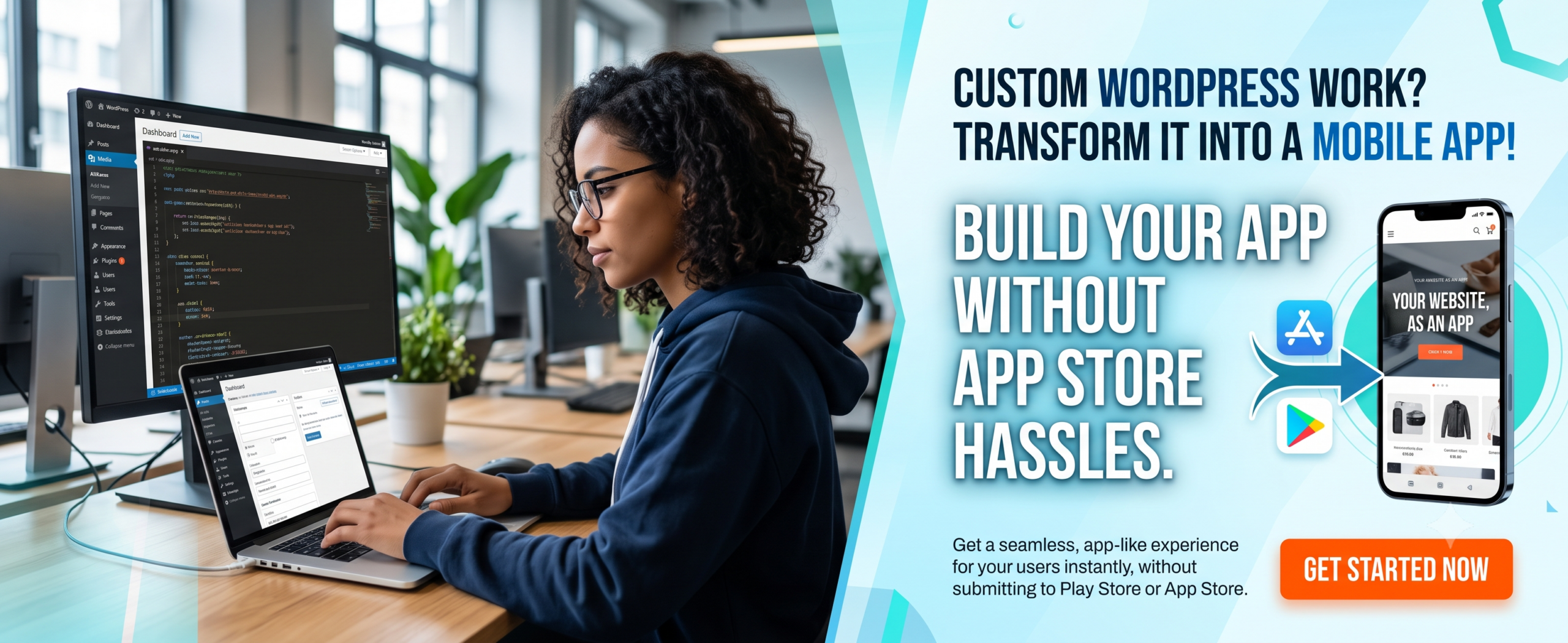
(Insert Featured Image Here)
Image Alt Text: Web to App vs Native Mobile Apps comparison showing features and benefits.
1. Introduction
If you own a website or blog, you’ve probably asked yourself: “Web to App vs Native Mobile Apps: Which is Better?” It’s a crucial decision in 2026. Mobile traffic dominates, and offering a smooth app experience can skyrocket engagement. But should you invest thousands in a native app, or use a smart Web to App solution to convert your existing site? This guide covers everything — from definitions to a step-by-step conversion process — so you can decide with confidence.
2. What Is Web to App & Native App?
Web to App (often called hybrid app or website wrapper) transforms your existing website into a mobile application using web technologies. It wraps your site inside a native container, giving you app-store presence and some native features. Think of it as a “website app” that behaves like an app but relies on web content. On the other side, a Native App is built specifically for one platform (Swift for iOS, Kotlin for Android) — offering peak performance, offline storage, and full hardware access. A Hybrid App (like those built via WPWebToApp) blends both worlds: web content with native shell.
3. Why Web to App vs Native Mobile Apps Matters
The mobile app market is projected to exceed $600B by 2027. But not every business needs a heavy native build. With Web to App conversion, you can launch in days, not months. You keep your existing CMS (WordPress) and reduce development costs by up to 80%. For bloggers, e-commerce, news portals, and membership sites, a Web to App is often the smarter, faster path. Native still rules for gaming, AR, or complex offline apps.
4. Benefits of Web to App vs Native Mobile Apps
✅ Web to App (Hybrid) Benefits
-
Low cost & fast launch – use your existing site, no rewrite.
-
Single codebase works on Android & iOS.
-
Easy updates – change content on your website, and the app updates automatically.
-
SEO friendly – your web content stays indexable.
-
Push notifications without heavy backend.
-
Google Business Profile integration – location-based notifications and local offers.
✅ Native App Benefits
-
Superior performance & smooth animations.
-
Full access to camera, GPS, Bluetooth, sensors.
-
Offline-first capability (no internet needed).
-
Better user experience for complex interactions.
-
Higher perceived value in app stores.
5. How Web to App vs Native Mobile Apps Impacts Your Google Business Profile
This is a critical section for business owners who want to rank “on Google business and everywhere.” The Web to App vs Native Mobile Apps decision directly impacts your Google Business Profile visibility and local search presence.
Why Your Google Business Profile Needs a Mobile Solution
-
Location-Based Notifications: Both Web to App and Native Apps can send push notifications to customers near your business, driving foot traffic.
-
Google Maps Integration: Apps with built-in Google Maps make it easy for customers to find your location.
-
Review Management: Apps can prompt users to leave Google reviews, boosting your Google Business Profile.
-
Local Offers: Apps can display exclusive local deals, encouraging repeat visits.
-
Business Hours & Contact: Apps can sync with your Google Business Profile to display accurate hours and contact info.
-
Mobile-First Experience: Since most local searches happen on mobile, either solution ensures a seamless experience.
Features to Include for Local SEO
-
Location-based push notifications
-
Google Maps integration with directions
-
One-click review prompts for Google Business Profile
-
Local offers and promotions
-
Store locator with hours and contact info
-
Mobile-first engagement optimized for local customers
Questions to Ask About Mobile Solutions
“Does your Web to App or Native App solution include Google Business Profile integration?”
“Can I send location-based push notifications to nearby customers?”
“Will the app prompt users to leave Google reviews?”
“Can I display my store hours and contact info in the app?”
6. How It Works
Web to App solutions like WPWebToApp pull your website content (pages, posts, menus) and present it inside a native WebView. You can customize splash screens, icons, navigation, push notifications, and even add offline pages. The app is then submitted to Google Play and Apple App Store as a hybrid app. No coding required. Native apps, on the other hand, require separate development for each platform, complex SDKs, and longer approval cycles.
7. Step-by-Step Guide: Convert Website to App (Web to App)
Turn your WordPress site into an app using WPWebToApp:
Step 1: Choose a Tool
Go to WPWebToApp.com and sign up.
Step 2: Connect Your Website
Enter your domain; the plugin fetches your content.
Step 3: Customize Branding
Upload logo, theme color, splash screen, and menu layout.
Step 4: Enable Features
Toggle push notifications, offline mode, social login, or ads.
Step 5: Build & Preview
Generate APK/IPA instantly and test on your phone.
Step 6: Publish
Submit directly to stores or download the signed app.
Step 7: Integrate Google Business Profile
Add location-based features for local SEO.
That’s it — your Web to App is live! No coding, no hiring developers.
8. Examples
Successful Web to App projects:
-
A popular tech blog with 2M monthly visits converted to a hybrid app using WPWebToApp — retained 73% more users.
-
An online magazine replaced their expensive native app with a web wrapper and cut maintenance costs by 90%.
-
A local news platform used Web to App to send instant push alerts, increasing session time by 40%.
-
Native apps excel for heavy offline tools (e.g., Google Maps, Spotify, games) where performance is non-negotiable.
Local Business: Using a Web to App solution with location-based notifications, they increased foot traffic by 28% and Google Business Profile engagement by 35%.
9. Comparison Table: Web to App vs Native App
| Factor | Web to App (Hybrid/Website App) | Native App |
|---|---|---|
| Development cost | 💰 Low ($200–$2k) | 💰💰 High ($10k–$100k+) |
| Time to market | Days – 1 week | 2 – 6 months |
| Performance | Good (depends on web view) | Excellent (native code) |
| Offline support | Partial (cached pages) | Full offline capability |
| Device features | Limited (camera, GPS possible) | Full access (sensors, AR, etc.) |
| Update process | Update website → app updates live | Submit new version to stores |
| App store approval | Moderate (web apps accepted) | Strict, longer reviews |
| Maintenance | Very low | Moderate to high |
| Best for | Blogs, news, directories, e-commerce | Games, utilities, heavy offline tools |
| Google Business Profile integration | ✅ Full integration | ❌ Limited |
10. Common Mistakes
❌ Ignoring app store guidelines – even Web to App must meet store policies.
❌ Too many features – keep it simple, don’t overload your web wrapper.
❌ No offline fallback – always cache critical pages.
❌ Skipping performance optimization – minify assets, use CDN.
❌ Choosing native when not needed – wasting budget on unnecessary complexity.
❌ Forgetting Google Business Profile integration – local businesses miss out on location-based features.
11. Expert Tips
💡 Use Web to App as a MVP — launch fast, validate your idea, then invest in native only if required.
💡 Leverage push notifications strategically; don’t spam users.
💡 Test your app on real devices: Web to App can have slight UI differences.
💡 For e-commerce, Web to App with one‑click checkout works like a charm.
💡 Always use a trusted platform like WPWebToApp for security and updates.
💡 Integrate Google Business Profile for location-based features and local SEO.
12. Best Practices
✅ Keep your website lightweight and fast — your app will inherit speed.
✅ Enable HTTPS (mandatory for Web to App).
✅ Use responsive design so the app looks native on any screen.
✅ Add a “Share” button to increase viral reach.
✅ Monitor crash logs using Firebase or Sentry even for hybrid apps.
✅ Ensure Google Business Profile integration stays active.
13. Recommended Tools
-
🔧 WPWebToApp
-
🔧 PWABuilder
-
🔧 Flutter (hybrid/native)
-
🔧 React Native
-
🔧 Android Studio
-
🔧 Xcode
-
🔧 Google Business Profile API
For non‑developers, WPWebToApp is the ultimate tool to create a professional Web to App in minutes.
14. Troubleshooting
🔧 App not loading content: Check your website’s SSL certificate and CORS settings.
🔧 Push notifications not working: Verify Firebase/APNs configuration inside WPWebToApp dashboard.
🔧 App rejected by Apple: Ensure your Web to App provides useful functionality beyond a simple web view.
🔧 Slow performance: Optimize images, enable caching, use a lightweight theme.
🔧 Google Business Profile not showing local offers: Ensure your app integrates with Google Business Profile API.
15. FAQs: Web to App vs Native Mobile Apps
Q1. Which is better, Web to App or Native App?
It depends on your goals. For content sites, e‑commerce, and blogs, Web to App is faster and cheaper. For complex, high‑performance apps (games, video editing), Native is superior.
Q2. What are the differences between Web to App and Native App?
Web to App uses web content inside a native shell — lower cost, easier updates. Native apps are platform‑specific with full device control, higher performance, but more expensive.
Q3. Can I convert my WordPress site into an app?
Absolutely! Use WPWebToApp to turn your WordPress site into a hybrid Android & iOS app without coding.
Q4. Is Web to App good for SEO?
Yes — your web content remains indexable, and the app can drive more engagement without harming rankings.
Q5. Does a hybrid app work offline?
Partially. You can cache pages and content so users can access previously loaded pages offline.
Q6. How long does it take to build a native app?
Typically 3–6 months for a full‑featured native app. Web to App can be ready in 1–3 days.
Q7. What is a “website app”?
A website app (or Web to App) is a mobile app that displays your website content using a WebView, giving an app‑like experience.
Q8. Can I use push notifications with Web to App?
Yes — platforms like WPWebToApp support push notifications via Firebase.
Q9. Can a Web to App or Native App help with Google Business Profile?
Yes! Both can integrate with Google Business Profile for location-based notifications, review prompts, and local offers.
16. Conclusion
So, Web to App vs Native Mobile Apps: Which is Better? If you need speed, budget efficiency, and simplicity — especially for a content‑driven blog, magazine, or store — Web to App is your smartest move. Native app development remains unmatched for premium, hardware‑heavy experiences. But for 80% of website owners, a hybrid approach via WPWebToApp delivers the best of both worlds: app store presence, push notifications, and minimal maintenance.
Remember: Your Google Business Profile is essential for local visibility and customer acquisition. Make sure your mobile strategy includes it.
Don’t overcomplicate — choose the path that aligns with your resources and audience.
🚀 Ready to Turn Your Website Into an App?
No coding. No delays. Just upload your content and generate a fully functional Android & iOS app.
Start with WPWebToApp →
⭐ Trusted by thousands of bloggers, publishers, and e‑commerce owners.


