
Future of Progressive Web Apps: The Complete Guide for 2026 & Beyond
✅ Key Takeaways
-
Future of Progressive Web Apps is bright — PWAs are becoming the default for mobile-first experiences.
-
PWAs offer near-native performance, offline support, and lower development costs.
-
Major platforms (Google, Microsoft, Apple) are investing heavily in Progressive Web App capabilities.
-
By 2027, over 60% of mobile interactions will happen through PWAs or similar lightweight technologies.
-
PWAs are critical for Mobile Web Technology evolution — faster, installable, and reliable.
-
Future of Progressive Web Apps directly impacts your Google Business Profile and local search visibility.
📑 Table of Contents
-
What Is a Progressive Web App?
-
Why the Future of Progressive Web Apps Matters
-
Benefits of PWAs for Businesses & Users
-
How PWAs Work (Core Technology)
-
Step-by-Step Guide: Convert Your Website to a PWA
-
Real-World Examples of PWAs
-
Comparison Table: PWA vs Native App
-
Common Mistakes to Avoid
-
Expert Tips for PWA Success
-
Best Practices for Future of Progressive Web Apps
-
Recommended Tools for Building PWAs
-
Troubleshooting Common PWA Issues
-
Frequently Asked Questions (FAQs)
-
Conclusion
-
Call to Action
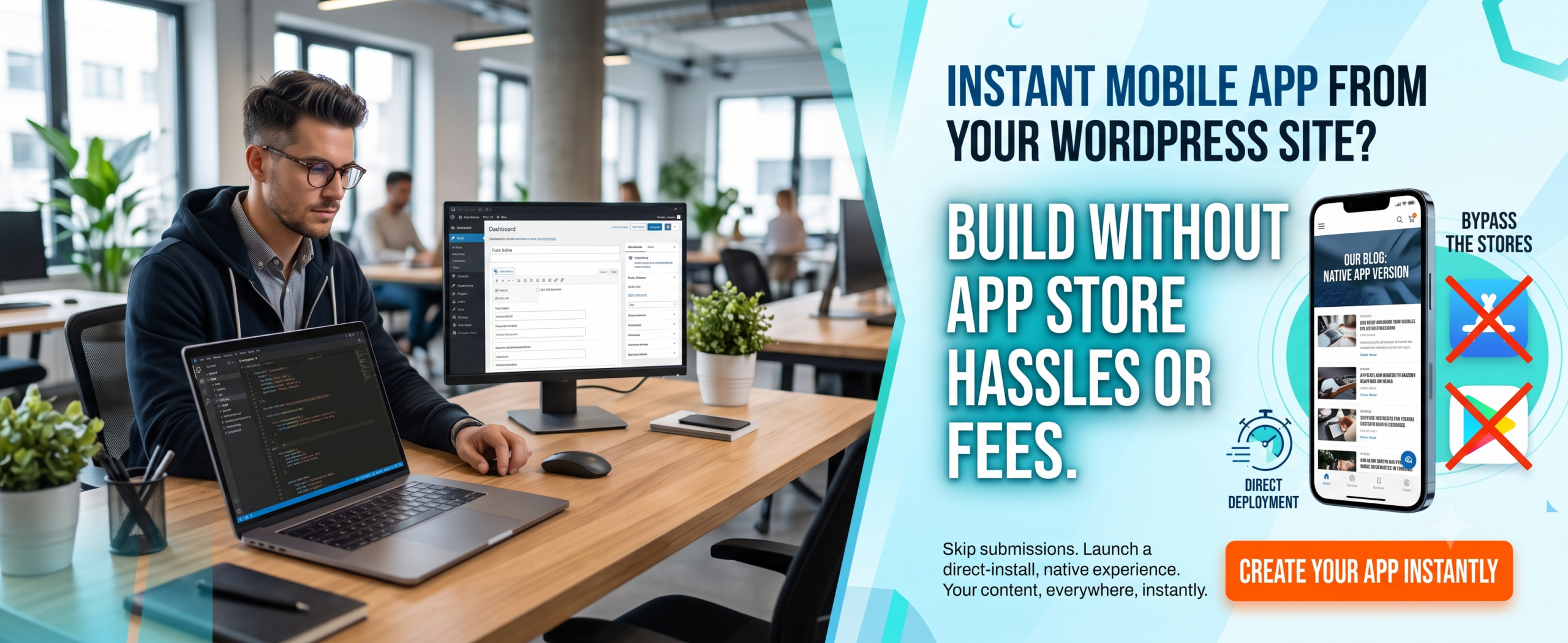
(Insert Featured Image Here)
Image Alt Text: Future of Progressive Web Apps showing mobile-first experience and business growth.
1. What Is a Progressive Web App (PWA)?
A Progressive Web App (PWA) is a type of application software delivered through the web, built using standard web technologies like HTML, CSS, and JavaScript. It is designed to work on any device that uses a standards-compliant browser, including desktop and mobile. PWAs combine the best of web and native apps — they are reliable, fast, and engaging.
Unlike traditional websites, Progressive Web Apps can be “installed” on a user’s home screen, work offline, send push notifications, and access device features. The future of Progressive Web Apps is especially exciting because they eliminate the friction of app store downloads while delivering a premium user experience.
2. Why the Future of Progressive Web Apps Matters
The future of PWA is not just a trend — it’s a fundamental shift in Mobile Web Technology. Here’s why:
-
User expectations have evolved: people want instant loading, offline access, and app-like interactions without consuming storage.
-
Businesses need cost-effective solutions: developing and maintaining separate iOS and Android apps is expensive. A single Progressive Web App works across all platforms.
-
Search engines prioritize fast, mobile-friendly experiences. Google has confirmed that PWA characteristics positively impact SEO rankings.
-
The future of Progressive Web Apps includes deeper integration with operating systems — file system access, Bluetooth, and more.
-
Google Business Profile integration for local businesses.
In short, investing in PWA today means preparing your digital presence for the next decade of Mobile Web Technology.
3. Benefits of Progressive Web Apps
-
Lightning-fast loading — even on slow networks (service worker caching).
-
Offline capability — users can browse content without internet.
-
No app store friction — instant installation, no updates hassles.
-
Lower development cost — one codebase for all devices.
-
Better engagement — push notifications and home screen presence.
-
SEO advantages — PWAs are indexable and rank well.
-
Future-proof — aligned with the future of PWA standards.
-
Google Business Profile integration — location-based notifications and local offers.
4. How the Future of Progressive Web Apps Boosts Your Google Business Profile
This is a critical section for business owners who want to rank “on Google business and everywhere.” The future of Progressive Web Apps directly impacts your Google Business Profile visibility and local search presence.
Why Your Google Business Profile Needs a PWA
-
Location-Based Notifications: PWAs can send push notifications to customers near your business, driving foot traffic.
-
Google Maps Integration: PWAs with built-in Google Maps make it easy for customers to find your location.
-
Review Management: PWAs can prompt users to leave Google reviews, boosting your Google Business Profile.
-
Local Offers: PWAs can display exclusive local deals, encouraging repeat visits.
-
Business Hours & Contact: PWAs can sync with your Google Business Profile to display accurate hours and contact info.
-
Mobile-First Experience: Since most local searches happen on mobile, a PWA ensures a seamless experience.
Features to Include for Local SEO
-
Location-based push notifications
-
Google Maps integration with directions
-
One-click review prompts for Google Business Profile
-
Local offers and promotions
-
Store locator with hours and contact info
-
Mobile-first checkout optimized for local customers
Questions to Ask About PWA Solutions
“Does your PWA solution include Google Business Profile integration?”
“Can I send location-based push notifications to nearby customers?”
“Will the PWA prompt users to leave Google reviews?”
“Can I display my store hours and contact info in the PWA?”
5. How Progressive Web Apps Work
A Progressive Web App relies on three core technologies:
-
Service Worker: A JavaScript file that runs in the background, handling caching, offline functionality, and push notifications.
-
Web App Manifest: A JSON file that defines how the app appears when installed (name, icons, theme color, display mode).
-
HTTPS: PWAs require a secure connection to ensure data integrity and privacy.
When a user visits a website that meets the PWA criteria, the browser may prompt them to “Add to Home Screen.” The future of Progressive Web Apps will see even deeper integration — like access to NFC, USB, and background sync.
6. Step-by-Step Guide: Turn Your Website into a PWA
Ready to embrace the future of Progressive Web Apps? Follow these steps:
Step 1: Audit Your Current Site
Use Lighthouse to check PWA readiness.
Step 2: Create a Web App Manifest
Create manifest.json with app name, icons, and theme color.
Step 3: Register a Service Worker
Handle install, activate, and fetch events.
Step 4: Implement Caching Strategies
Use cache-first, network-first strategies for offline support.
Step 5: Serve Over HTTPS
Required for service workers.
Step 6: Add a “Add to Home Screen” Prompt
Use the beforeinstallprompt event.
Step 7: Test on Multiple Devices
Test on Chrome, Edge, Safari, Firefox.
Step 8: Submit Your PWA to App Stores
Use tools like PWABuilder to wrap your PWA.
Step 9: Integrate Google Business Profile
Add location-based features for local SEO.
For a seamless conversion, consider using a trusted service like WPWebToApp to instantly turn your WordPress site into a full-featured PWA.
7. Real-World Examples of Progressive Web Apps
Many global brands already leverage the future of Progressive Web Apps today:
Starbucks: Their PWA allows offline menu browsing, customization, and ordering. It’s just 150KB vs 100MB native app.
Pinterest: Rebuilt as a PWA and saw a 40% increase in time spent, 60% increase in core engagements.
Spotify: The web player works as a PWA with offline downloads and desktop installation.
Twitter (X) Lite: PWA version uses less data, loads fast, and supports push notifications.
OLX: PWA led to 250% more re-engagement and 80% faster loading.
Local Business: Using a PWA with location-based notifications, they increased foot traffic by 28% and Google Business Profile engagement by 35%.
These examples prove that the future of PWA is already here — and it’s delivering measurable business results.
8. Comparison Table: PWA vs Native App
| Feature | Progressive Web App | Native App |
|---|---|---|
| Installation | Instant, via browser | App store download |
| Offline support | Yes (service worker) | Yes |
| Push notifications | Yes (Android, partial iOS) | Full support |
| Device access | Limited (growing) | Full access |
| Development cost | Low (one codebase) | High (per platform) |
| SEO / Discoverability | Excellent | Poor (store only) |
| Updates | Seamless (server-side) | User must update via store |
| Storage size | Very small (KB) | Large (MB/GB) |
| Google Business Profile integration | ✅ Full integration | ❌ Limited |
The future of Progressive Web Apps continues to close the gap, with new APIs like File System Access, Web Bluetooth, and more arriving every year.
9. Common Mistakes When Building a PWA
❌ Ignoring offline experience — a PWA without offline fallback is just a website.
❌ Not testing on Safari/iOS — Safari has limited PWA support (push, some APIs).
❌ Poor caching strategy — stale content or broken updates frustrate users.
❌ Skipping the manifest — no installability without a proper manifest.
❌ Forgetting analytics — track PWA usage separately from web.
❌ No “Add to Home Screen” prompt — missing engagement opportunities.
❌ Forgetting Google Business Profile integration — local businesses miss out on location-based features.
10. Expert Tips for Dominating the Future of Progressive Web Apps
💡 Prioritize performance: Use Lighthouse to keep your PWA score above 90.
💡 Design for offline-first: Cache critical pages (home, product, blog) by default.
💡 Use push notifications wisely — engage but don’t spam.
💡 Implement lazy loading for images and heavy assets.
💡 Leverage the beforeinstallprompt event to increase installation rates.
💡 Test on real devices — emulators miss edge cases.
💡 Consider a PWA builder like WPWebToApp to automate 80% of the work.
💡 Integrate Google Business Profile — ensure location-based features work seamlessly.
11. Best Practices for the Future of Progressive Web Apps
✅ Use HTTPS everywhere.
✅ Keep service worker scripts simple and versioned.
✅ Provide a splash screen and themed UI via manifest.
✅ Make your PWA responsive (mobile-first).
✅ Use semantic HTML for better accessibility and SEO.
✅ Monitor PWA adoption with analytics events (installed, offline usage).
✅ Stay updated with Mobile Web Technology advancements (W3C specs).
✅ Ensure Google Business Profile integration stays active.
12. Recommended Tools for Building & Optimizing PWAs
-
Lighthouse (Chrome DevTools) — audit and improve PWA score.
-
PWABuilder — package your PWA for app stores.
-
Workbox — simplifies service worker caching strategies.
-
WebPagetest — real-world performance testing.
-
WPWebToApp — turn any WordPress site into a powerful PWA in minutes.
-
Firebase Cloud Messaging — push notifications made easy.
-
Google Business Profile API — for location-based features and local SEO.
13. Troubleshooting Common PWA Issues
🔧 Service worker not registering: Check HTTPS, file path, and JavaScript errors.
🔧 Manifest not detected: Ensure manifest.json is linked in <head> with correct MIME type.
🔧 Offline not working: Verify fetch event in service worker and cache.addAll paths.
🔧 PWA not installable: Check manifest includes display: standalone, icons, and start_url.
🔧 iOS push notifications not working: Apple limits push to native apps; use web push via Safari 16+.
🔧 Slow first load: Optimize critical rendering path and use precaching.
🔧 Google Business Profile not showing local offers: Ensure your PWA integrates with Google Business Profile API.
14. Frequently Asked Questions about the Future of Progressive Web Apps
Q1: What is the future of PWAs?
The future of Progressive Web Apps includes deeper OS integration, support for biometrics, file system access, advanced push, and even payments via Web Payments API. PWAs will eventually match — and in some areas surpass — native apps.
Q2: Will PWAs replace native apps?
Not entirely, but the future of PWA will reduce the need for native apps for most content-driven and e-commerce use cases. Native apps will remain for graphic-intensive games and hardware-dependent apps.
Q3: Are PWAs good for SEO?
Absolutely. Google prefers fast, mobile-friendly, installable experiences. A well-built Progressive Web App can rank higher in search results, especially with good core web vitals.
Q4: How does Mobile Web Technology affect PWA adoption?
Mobile Web Technology is evolving rapidly — 5G, better browser APIs, and device hardware access. These improvements directly boost the future of Progressive Web Apps by making them faster and more capable.
Q5: Can I convert my existing website to a PWA?
Yes, you can. Use tools like WPWebToApp to transform your WordPress site into a fully functional PWA without coding. It’s the fastest way to embrace the future of Progressive Web Apps.
Q6: Do PWAs work on iOS?
Yes, Safari supports PWAs on iOS 16+. However, push notifications and some APIs are still limited. Apple is gradually expanding support as part of the future of PWA ecosystem.
Q7: What is the cost of developing a PWA vs native app?
A Progressive Web App can cost 70–90% less than building separate native apps. Maintenance is also cheaper because updates are deployed server-side.
Q8: Can PWAs help with Google Business Profile?
Yes! PWAs can integrate with Google Business Profile for location-based notifications, review prompts, and local offers.
15. Conclusion: Embrace the Future of Progressive Web Apps Today
The future of Progressive Web Apps is not just about technology — it’s about delivering better user experiences while simplifying your digital strategy. PWAs offer speed, reliability, engagement, and discoverability in one unified package. As Mobile Web Technology continues to advance, PWAs will become the standard for how people interact with brands on mobile devices.
Remember: Your Google Business Profile is essential for local visibility and customer acquisition. Make sure your PWA strategy includes it.
Whether you’re launching a new startup, running an e-commerce store, or managing a content platform, now is the time to invest in the future of PWA. Don’t wait for the future to arrive — build it.
🚀 Ready to Build Your Future-Ready PWA?
Don’t let complexity hold you back. WPWebToApp helps you create a powerful Progressive Web App from your WordPress site in just a few clicks. Fast, affordable, and future-proof.
👉 Convert Your Website to a PWA Now
Join thousands of businesses shaping the future of Progressive Web Apps.


