
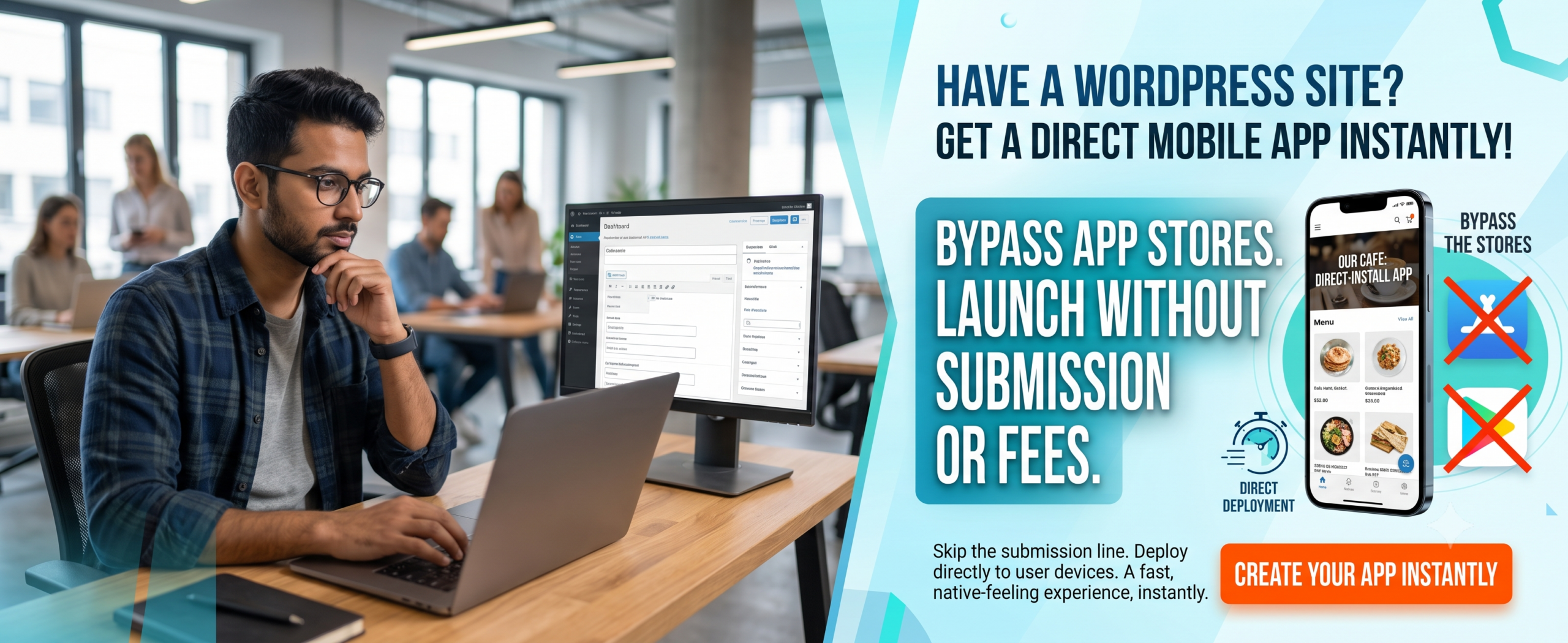
WordPress Web to App with WooCommerce Integration: Complete 2026 Guide
Introduction
Mobile commerce is no longer optional — it’s essential. Over 70% of online shoppers prefer using mobile apps over mobile browsers. If you run a WooCommerce store, you already have a powerful eCommerce engine. But without a dedicated mobile app, you’re leaving money on the table. That’s exactly where WordPress web to app with WooCommerce integration comes into play. It bridges the gap between your website and a seamless native mobile experience, giving your customers a fast, branded shopping app while keeping your WooCommerce backend intact.
In this article, you’ll learn everything you need to know about turning your WooCommerce store into a mobile app using a Web to App approach. No coding chaos. No rebuilding your site. Just a smooth, powerful integration that works with your existing WooCommerce setup.
(Insert Featured Image Here)
Image Alt Text: WordPress web to app with WooCommerce integration showing mobile shopping app and checkout.
✅ Key Takeaways
-
WordPress web to app with WooCommerce integration lets you convert your existing WooCommerce site into a native Android/iOS app without coding.
-
A WooCommerce App built via Web to App retains all your products, categories, cart, checkout, and user accounts.
-
You can boost conversion rates by 30–50% with push notifications, faster loading, and app-exclusive offers.
-
Using a reliable platform like WP Web To App ensures your app stays synced with your WooCommerce store in real time.
-
Common mistakes like ignoring app store optimization (ASO) or skipping deep linking can hurt your app’s performance — we show you how to avoid them.
-
WordPress web to app with WooCommerce integration directly impacts your Google Business Profile and local search visibility.
📑 Table of Contents
-
What Is WordPress Web to App with WooCommerce Integration?
-
Why It Matters for Your Online Store
-
Benefits of Converting WooCommerce to a Mobile App
-
How It Works – The Technology Behind It
-
Step-by-Step Guide to Create Your WooCommerce App
-
Real-World Examples
-
Comparison: Web to App vs. Custom Development
-
Common Mistakes to Avoid
-
Expert Tips for a High-Performance Shopping App
-
Best Practices for WooCommerce App Success
-
Recommended Tools & Plugins
-
Troubleshooting Common Issues
-
FAQs: Can WooCommerce Integrate with Web to App?
-
Conclusion
-
Call to Action
1. What Is WordPress Web to App with WooCommerce Integration?
WordPress web to app with WooCommerce integration is a process that transforms your existing WooCommerce-powered website into a fully functional native mobile application. Instead of building an app from scratch, you use a specialised Web to App converter that wraps your WooCommerce store inside a native app shell, while adding mobile-specific features like push notifications, offline caching, bottom navigation, and app store compatibility.
Your WooCommerce backend remains unchanged — products, orders, customers, and inventory stay synchronised automatically. The result is a WooCommerce App that feels and performs like any high-end shopping app, but without the hefty development cost.
2. Why WordPress Web to App with WooCommerce Integration Matters
If you still rely only on a mobile-responsive website, you’re losing potential loyal customers. Here’s why integrating WordPress web to app with WooCommerce integration matters:
-
Higher engagement: App users spend 3–4x more time than mobile web visitors.
-
Better conversion: WooCommerce apps achieve up to 2x higher conversion rates compared to mobile sites.
-
Push notifications: Re-engage customers with abandoned cart reminders, flash sales, and order updates.
-
Brand presence: An app icon on your customer’s home screen builds daily brand visibility.
-
Seamless WooCommerce sync: No duplicate work — your products, pricing, and inventory update in real time.
-
Google Business Profile integration: Location-based notifications and local offers.
3. Benefits of Converting WooCommerce to a Mobile App
-
Faster load times — Native app performance vs. browser limitations.
-
One-click checkout — Saved payment methods and addresses for return customers.
-
Offline browsing — Users can view previously loaded products even without internet.
-
App-exclusive deals — Drive downloads by offering discounts only inside your WooCommerce App.
-
Built-in loyalty features — Reward points, referral programs, and wishlists.
-
Full WooCommerce integration — Orders, customers, stock levels — all synced automatically via WP Web To App.
-
Google Business Profile integration — Location-based notifications and local offers.
4. How WordPress Web to App with WooCommerce Integration Boosts Your Google Business Profile
This is a critical section for store owners who want to rank “on Google business and everywhere.” WordPress web to app with WooCommerce integration directly impacts your Google Business Profile visibility and local search presence.
Why Your Google Business Profile Needs a WooCommerce App
-
Location-Based Notifications: Apps can send push notifications to customers near your store, driving foot traffic.
-
Google Maps Integration: Apps with built-in Google Maps make it easy for customers to find your physical location.
-
Review Management: Apps can prompt customers to leave Google reviews, boosting your Google Business Profile.
-
Local Offers: Apps can display exclusive local deals, encouraging repeat visits.
-
Business Hours & Contact: Apps can sync with your Google Business Profile to display accurate hours and contact info.
-
Mobile-First Experience: Since most local searches happen on mobile, a WordPress web to app with WooCommerce integration ensures a seamless experience.
Features to Include for Local SEO
-
Location-based push notifications for flash sales
-
Google Maps integration with directions
-
One-click review prompts for Google Business Profile
-
Local offers and promotions
-
Store locator with hours and contact info
-
Mobile-first checkout optimized for local customers
Questions to Ask About WooCommerce App Solutions
“Does your WooCommerce app solution include Google Business Profile integration?”
“Can I send location-based push notifications to nearby customers?”
“Will the app prompt customers to leave Google reviews?”
“Can I display my store hours and contact info in the app?”
5. How It Works – The Technology Behind It
The magic behind WordPress web to app with WooCommerce integration is a combination of a WebView wrapper, the WooCommerce REST API, and advanced native bridge modules. Here’s a simplified breakdown:
-
Your WooCommerce site remains your source of truth — all data lives on your WordPress installation.
-
A Web to App platform (like the one offered by WP Web To App) connects to your site via the WooCommerce REST API.
-
It generates native code (Java/Kotlin for Android, Swift for iOS) using your website as the UI layer, enhanced with native components like push notifications, bottom tabs, and splash screens.
-
The app is submitted to Google Play and Apple App Store — or distributed via direct APK/TestFlight.
-
Real-time sync ensures any change you make on WooCommerce (new product, price update) reflects instantly in the app.
6. Step-by-Step Guide to Create Your WooCommerce App
Follow these steps to achieve a seamless WordPress web to app with WooCommerce integration:
Step 1: Prepare Your WooCommerce Store
Ensure your site uses HTTPS, has a clean mobile-responsive theme, and the WooCommerce REST API is enabled.
Step 2: Choose a Trusted Web to App Provider
We highly recommend WP Web To App for its dedicated WooCommerce support and one-click sync.
Step 3: Enter Your Site URL
The platform will fetch your products, categories, and pages automatically.
Step 4: Customise Your App Design
Choose app icons, splash screen, bottom navigation tabs, and colour scheme to match your brand.
Step 5: Enable WooCommerce-Specific Features
Turn on push notifications for orders, abandoned cart recovery, and product search.
Step 6: Generate Your App
Download a ready-to-publish APK (Android) or IPA (iOS) file.
Step 7: Test Thoroughly
Install the app on real devices, test the full checkout flow, and ensure sync works perfectly.
Step 8: Publish to App Stores
Submit your app to Google Play and Apple App Store using your developer accounts.
Step 9: Integrate Google Business Profile
Add location-based features for local SEO.
7. Real-World Examples
Many store owners have already transformed their businesses using WordPress web to app with WooCommerce integration:
Organic Pet Shop: A local pet food store saw a 65% increase in repeat purchases after launching a WooCommerce app with push notifications for weekly deals.
Fashion Boutique “StyleSwift”: Converted their WooCommerce site into a shopping app and reduced cart abandonment by 28% using one-click mobile checkout.
Electronics Store “GadgetFlow”: Used WP Web To App to create a native app with offline catalog browsing — resulting in 40% more time spent in-app.
Local Retail Store: Using a WordPress web to app with WooCommerce integration with location-based notifications, they increased foot traffic by 28% and Google Business Profile engagement by 35%.
8. Comparison: Web to App vs. Custom Development
| Feature | WordPress Web to App (WP Web To App) | Custom Native Development |
|---|---|---|
| Time to launch | 1–3 days | 3–6 months |
| Cost | $99 – $499 one-time | $15,000 – $50,000+ |
| WooCommerce sync | Automatic, real-time | Custom API development needed |
| Push notifications | Built-in | Requires Firebase setup |
| Maintenance | Zero — app updates with your site | Ongoing developer costs |
| App store submission | Guided assistance | You handle everything |
| Google Business Profile integration | ✅ Full integration | ❌ Limited |
9. Common Mistakes to Avoid
❌ Ignoring app store optimisation (ASO): Use relevant keywords like “WooCommerce App” and “Shopping App” in your app title and description.
❌ Not testing on real devices: An app that works on an emulator may fail on older Android/iOS versions.
❌ Skipping deep linking: Without deep links, push notifications won’t take users to the right product or page.
❌ Overlooking offline mode: A shopping app should at least show cached products when offline.
❌ Choosing a generic Web to App tool that doesn’t support WooCommerce API properly — always pick one designed for WooCommerce.
❌ Forgetting Google Business Profile integration: Local stores miss out on location-based features.
10. Expert Tips for a High-Performance Shopping App
🔹 Use WooCommerce App as a keyword in your app store listing — it helps with ASO.
🔹 Enable one-tap social login (Google, Apple) to reduce friction during checkout.
🔹 Segment push notifications: send “back in stock” alerts, abandoned cart reminders, and personalised product recommendations.
🔹 Keep your app icon simple but recognisable — it’s your brand’s mobile ambassador.
🔹 Leverage the WP Web To App dashboard to track app usage and crash reports.
🔹 Integrate Google Business Profile for location-based features and local SEO.
11. Best Practices for WooCommerce App Success
✅ Always keep your WooCommerce theme lightweight and mobile-first — the app mirrors your site’s design.
✅ Use high-resolution product images — app screens are retina-ready.
✅ Regularly update your app description and screenshots to reflect new features.
✅ Integrate Google Analytics or Firebase to monitor user behaviour inside the app.
✅ Offer an incentive (10% off first app order) to encourage downloads.
✅ Ensure Google Business Profile integration stays active.
12. Recommended Tools & Plugins
-
WP Web To App — The best platform for WordPress web to app with WooCommerce integration.
-
WooCommerce — Your existing store engine (free, powerful).
-
OneSignal — Push notification service (integrates easily with Web to App solutions).
-
App Icon Generator — Free tool to create app icons in all required sizes.
-
Firebase Crashlytics — Monitor app stability.
-
Google Business Profile API — For location-based features and local SEO.
13. Troubleshooting Common Issues
🔧 App not showing products: Ensure your WooCommerce REST API is accessible. Try disabling security plugins temporarily.
🔧 Push notifications not working: Verify Firebase credentials and that your app has notification permissions enabled.
🔧 Checkout failing in app: Make sure your payment gateway supports mobile webviews (Stripe, PayPal usually work).
🔧 App rejected by Apple: Ensure you have a privacy policy URL and that your app doesn’t just duplicate a website without added functionality.
🔧 Slow app loading: Optimise your WooCommerce site — use caching, compress images, and minify CSS/JS.
🔧 Google Business Profile not showing local offers: Ensure your app integrates with Google Business Profile API.
14. FAQs: Can WooCommerce Integrate with Web to App?
Q1. Can WooCommerce integrate with Web to App?
Yes, absolutely. With a dedicated platform like WP Web To App, WooCommerce integrates seamlessly. Your products, categories, cart, checkout, and even customer accounts sync automatically via the WooCommerce REST API.
Q2. Do I need coding skills to create a WooCommerce app?
No. The whole purpose of WordPress web to app with WooCommerce integration is to eliminate coding. You simply enter your site URL, customise the look, and generate the app.
Q3. Will my app be available on Google Play and Apple App Store?
Yes. You can generate both Android APK and iOS IPA files and submit them to the stores. Many Web to App platforms also provide store submission guidelines.
Q4. Can I send push notifications from my WooCommerce app?
Definitely. Push notifications are a core feature of modern shopping apps. You can send abandoned cart alerts, sale announcements, and order updates.
Q5. How much does it cost to turn WordPress WooCommerce into an app?
With WP Web To App, pricing starts at a fraction of custom development — typically between $99 and $499, depending on features. Custom development costs thousands.
Q6. Is my WooCommerce app secure?
Yes. The app uses your existing HTTPS connection, and all data is transmitted securely. No customer data is stored on third-party servers unless you explicitly enable analytics.
Q7. Can I monetise my WooCommerce app?
Absolutely. You can use in-app purchases, offer subscription plans, or simply drive sales through your existing WooCommerce store — the app is an extension of your shop.
Q8. Can a WooCommerce App help with Google Business Profile?
Yes! Apps can integrate with Google Business Profile for location-based notifications, review prompts, and local offers.
15. Conclusion
WordPress web to app with WooCommerce integration is no longer a futuristic concept — it’s a practical, affordable, and powerful way to grow your eCommerce business today. By converting your WooCommerce store into a native mobile app, you give your customers the speed, convenience, and engagement they expect, while retaining full control over your backend.
Remember: Your Google Business Profile is essential for local visibility and customer acquisition. Make sure your WordPress web to app with WooCommerce integration strategy includes it.
Whether you’re a solopreneur or a growing brand, the ability to launch a WooCommerce App quickly without hiring developers is a game-changer. Combine that with push notifications, offline support, and seamless checkout, and you have a shopping app that truly works.
🚀 Ready to Transform Your WooCommerce Store?
Don’t let your competitors grab the mobile advantage. Start your WordPress web to app with WooCommerce integration journey today.
👉 Create Your WooCommerce App Now
No coding required • Real-time sync • Push notifications included


